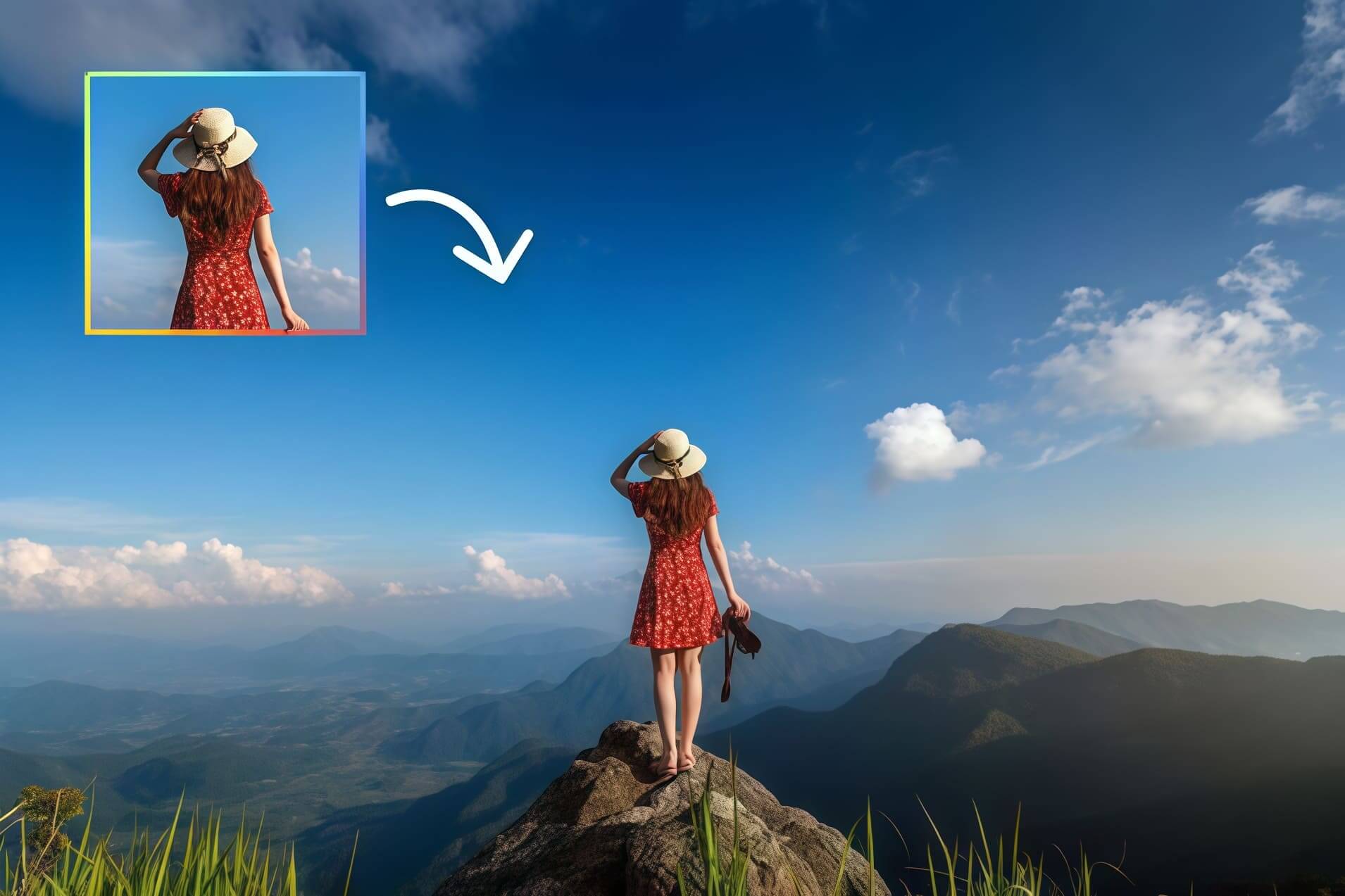
Try AI Image Extender Now
Upload your image, drag to extend, and click generate.
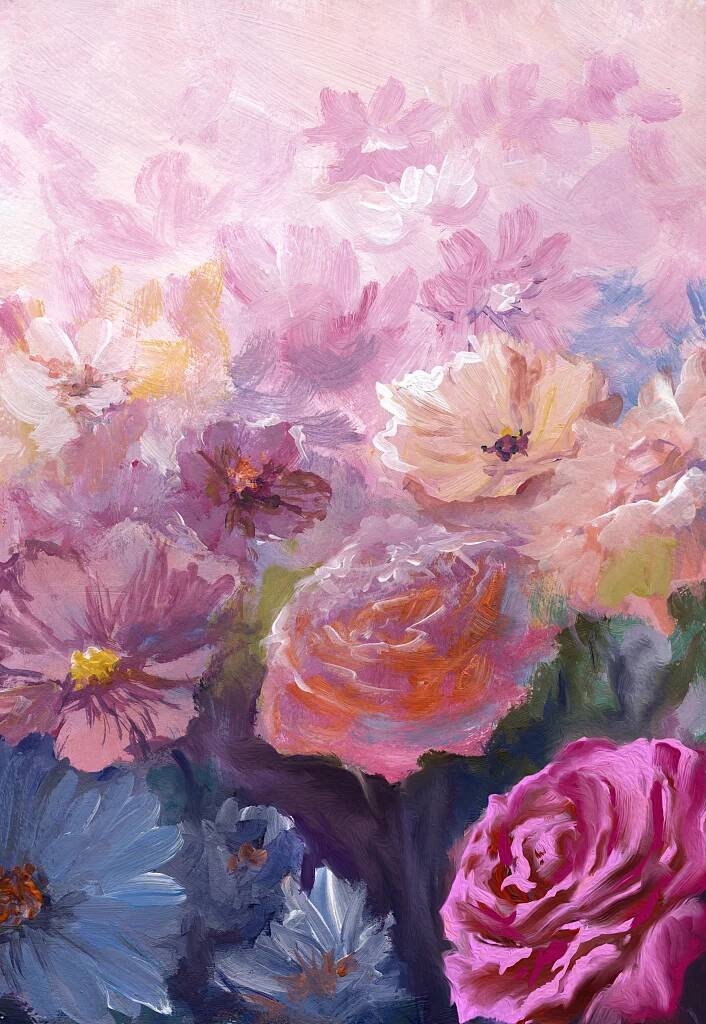
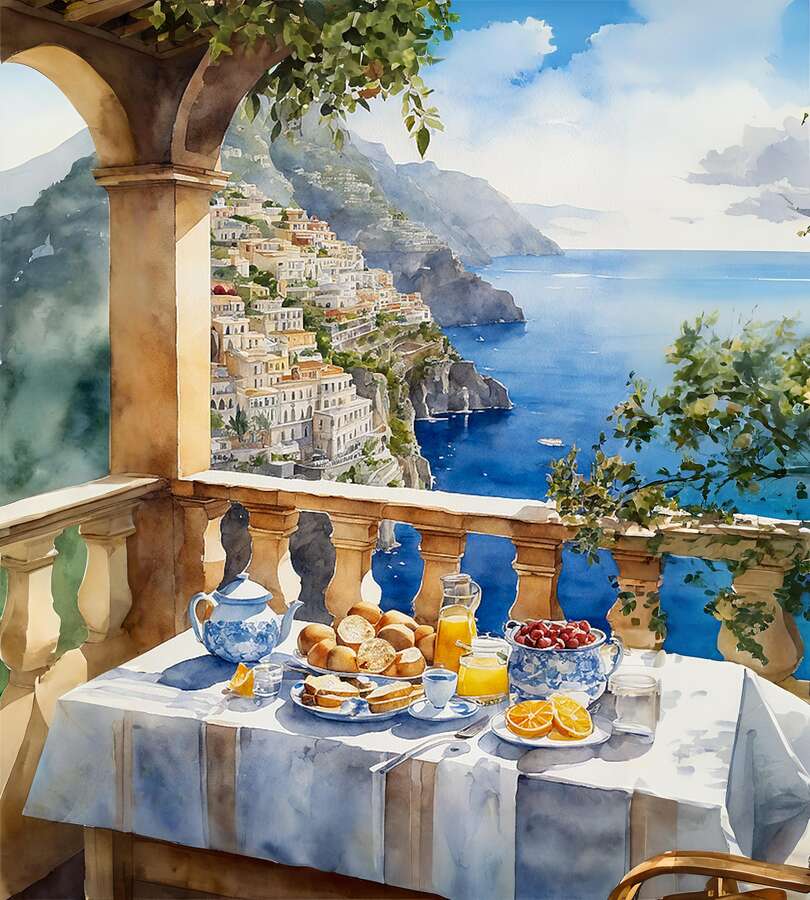
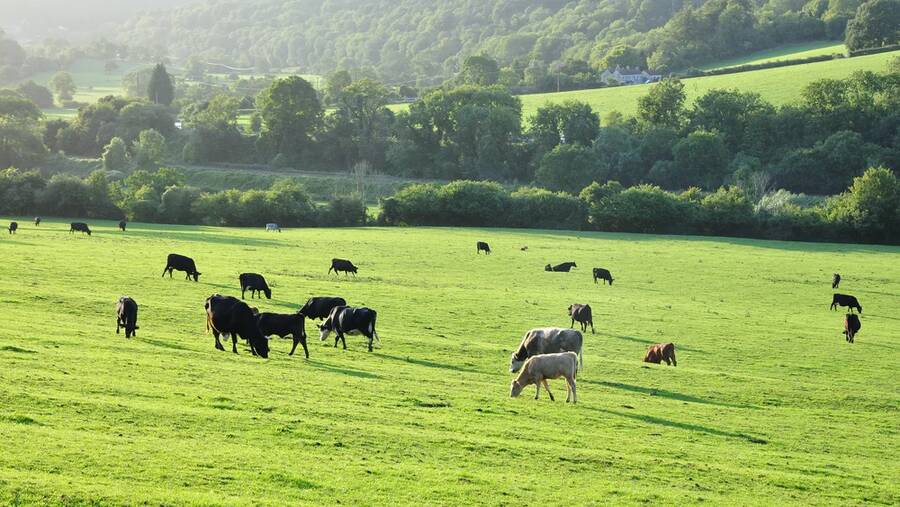
AI Image Outpainter - Extend Photos Beyond Boundaries
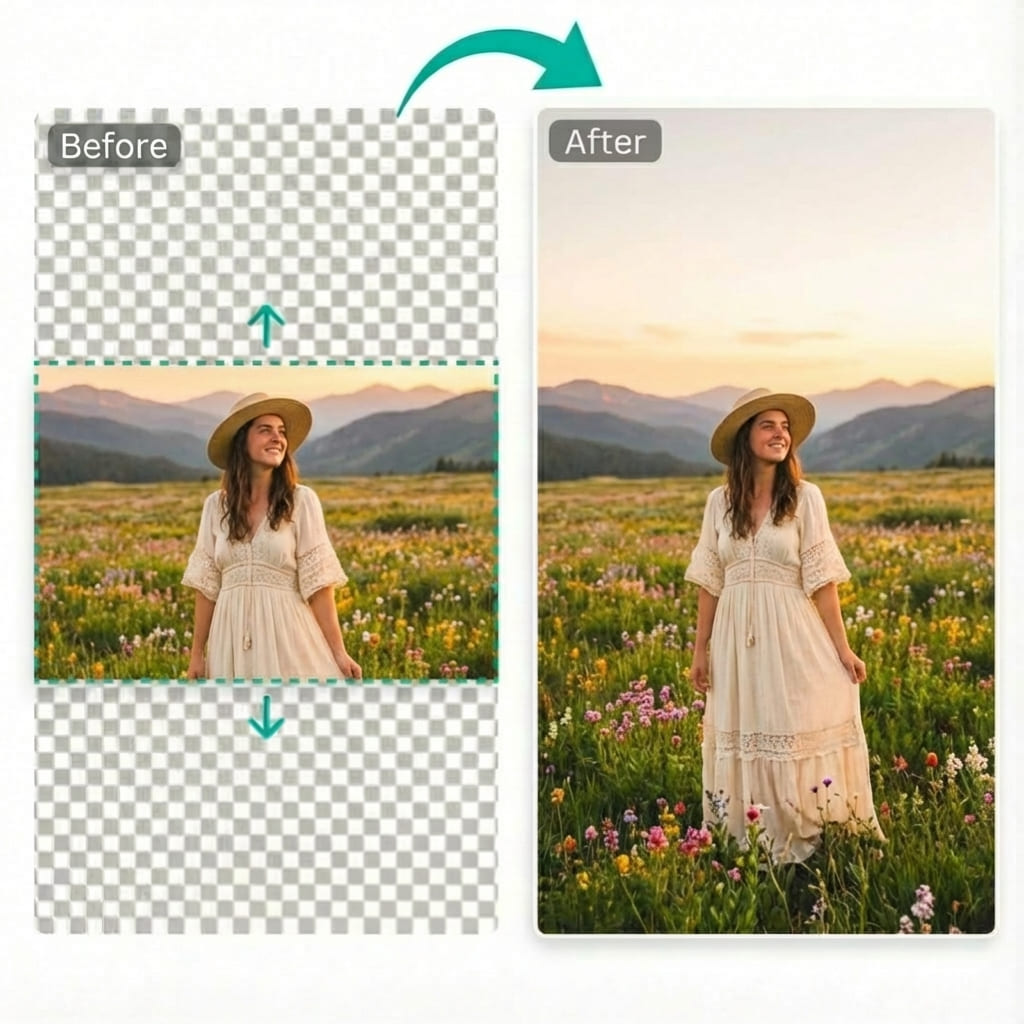
Extend photos beyond boundaries with AI outpainting. Adjust canvas size or pick aspect ratios like 16:9 and 1:1, then generate in seconds. Seamless blending, zero distortion.
AI Image Extender for Social Media
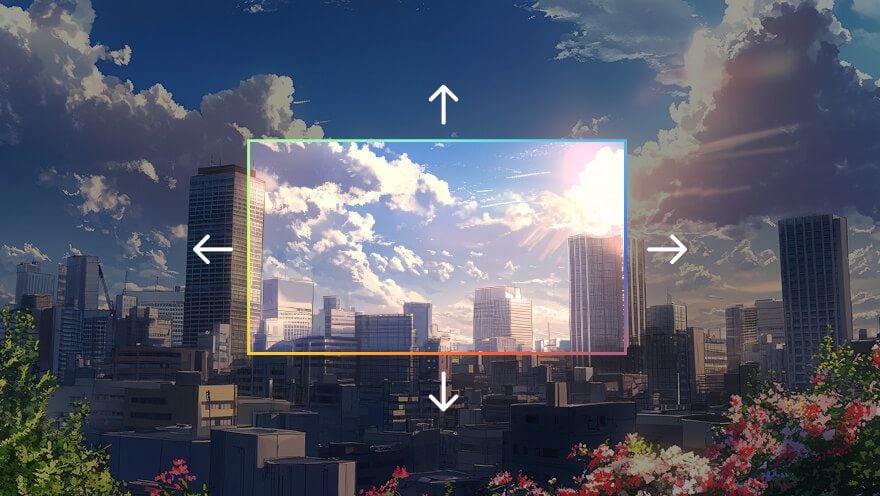
Stop cropping your favorite shots. Use our AI image extender to uncrop vertical photos into horizontal headers for YouTube or Twitter. Outpaint the edges seamlessly to fit any aspect ratio required by Instagram or TikTok.

AI Image Extender for E-commerce
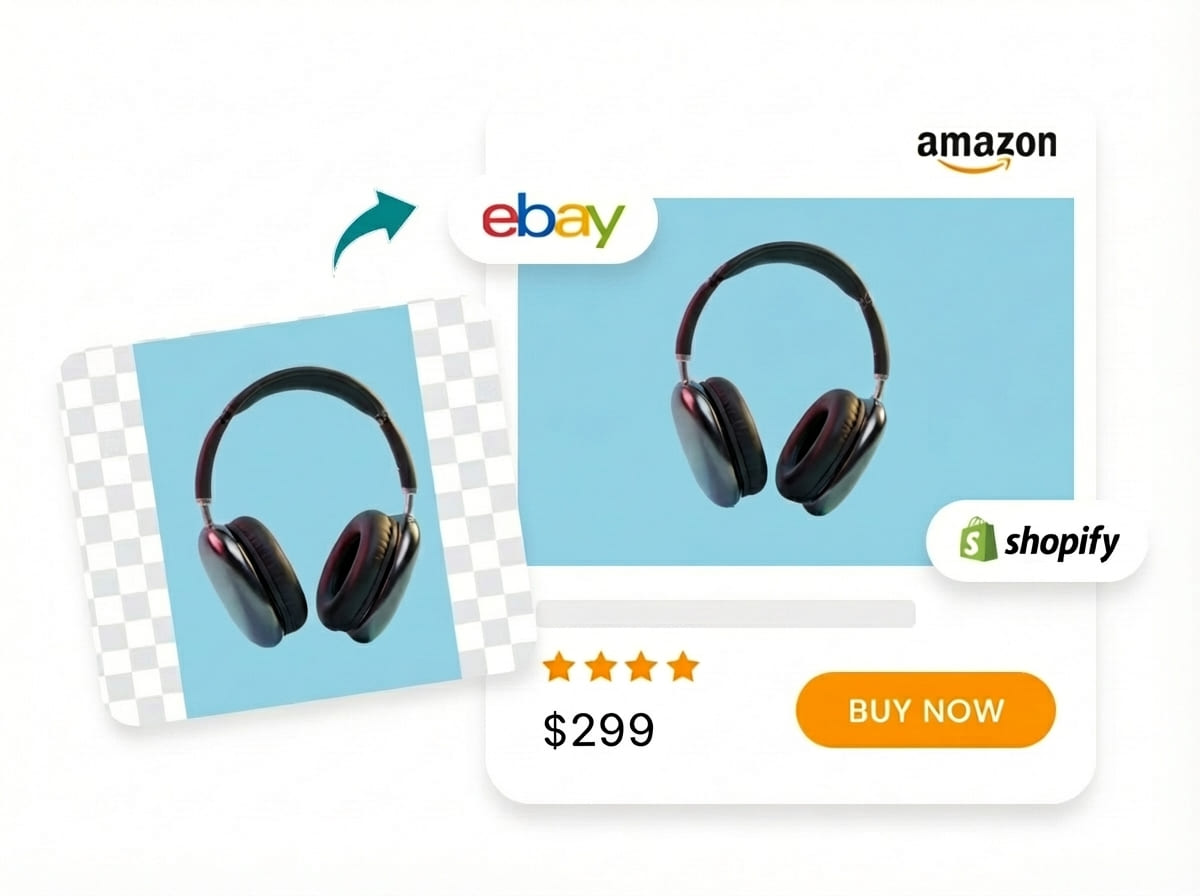
Create professional product catalogs with consistent padding. Our AI image extender adds clean background margins to tightly cropped product shots, ensuring they meet the white-space requirements of Amazon and Shopify.
AI Image Extender for Photography
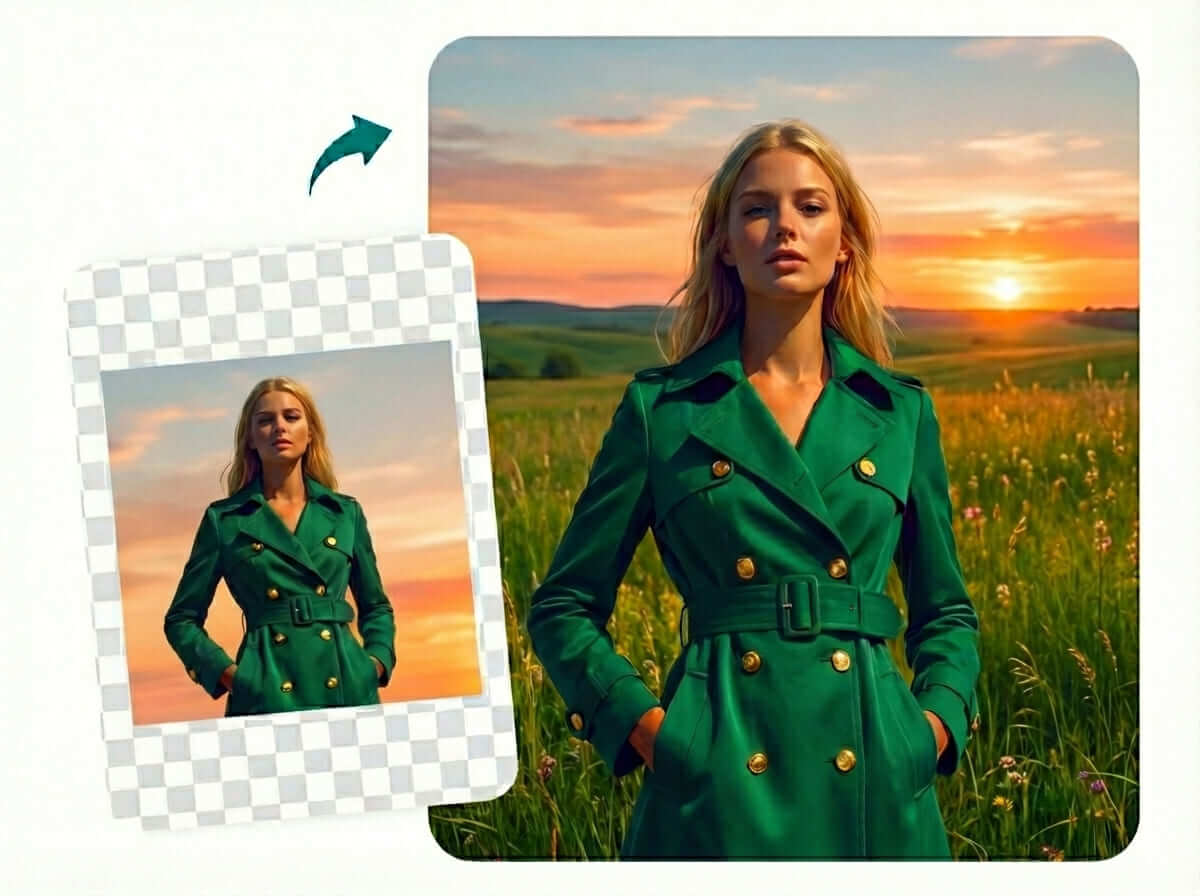
Transform standard photos into wide-angle masterpieces. This AI image extender allows photographers to expand compositions, add more sky or landscape, and fix framing mistakes through intelligent generative fill.
AI Image Extender for Restoration
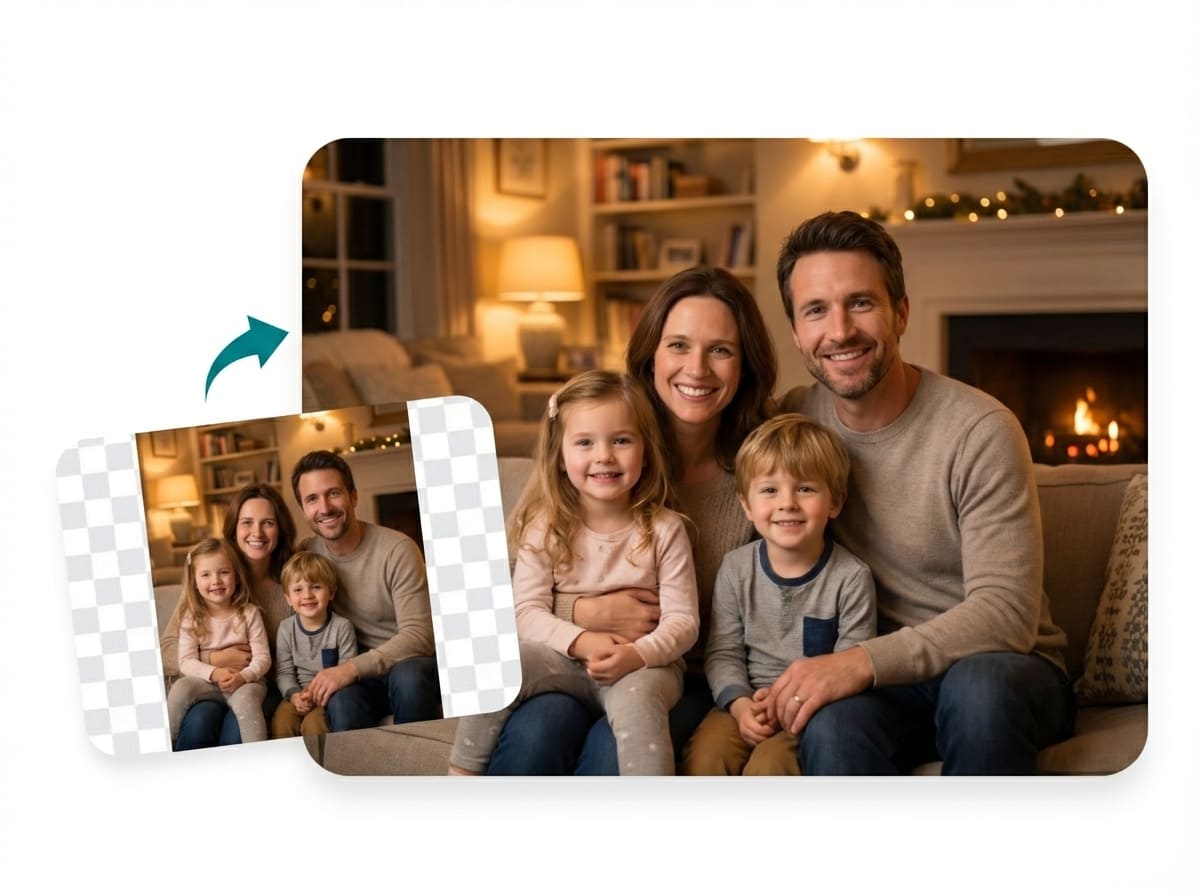
Recover lost details from vintage prints. The AI image extender reconstructs missing edges of old photographs, helping you uncrop family memories and restore the complete scene.
How to Use Our AI Image Extender
Upload, adjust canvas size, and let AI do the magic
Upload Your Image
Drag and drop your photo into the AI image extender interface. We support all major formats like JPG and PNG, ready for instant uncropping.
Adjust Canvas Size
Select a preset aspect ratio or customize the expansion direction. Use the outpainting controls to decide exactly where you want to extend the background.
Generate & Download
Hit the generate button and watch the AI extender work its magic. Within moments, preview your uncropped image and download the high-resolution result.
Pro Tips for Best Outpainting Results
- Use high-quality images (1024px+ recommended) for the AI Image Extender
- Pick a target ratio that suits your composition
- "Best Quality" mode enhances the generative fill details
- Clear subjects help the AI uncrop more naturally
Why Choose Our AI Image Extender?
16:9, 1:1, 9:16, 4:3, 3:4 and more
Up to 4K resolution output
Fast AI-powered generation
Why settle for a cropped photo when you can use our AI Image Extender? Instead of stretching pixels, our tool employs advanced outpainting to understand your image context. It intelligently uncrops your photos, extending them with generated content that blends perfectly with the original scene.
AI Image Extender Use Cases
See how professionals use AI Image Extender in real-world scenarios
Social Media Content
- Uncrop to 1:1 for Instagram
- Expand to 16:9 for YouTube
- Resize for Facebook covers
- Outpaint for TikTok vertical
E-Commerce
- Uncrop product photos
- Expand background margins
- Center products perfectly
- Resize for multi-platform
Photography
- Fix bad crop framing
- Outpaint to panoramic
- Extend landscape edges
- Recover lost details
Design & Marketing
- Resize ad banners
- Extend presentation slides
- Prepare print materials
- Expand billboard designs
AI Image Extender FAQ
What makes this AI Image Extender different from resizing?
Is there a free trial for the AI Image Extender?
How can I use AI Image Extender to change aspect ratios?
What quality limits does the AI Image Extender support?
Are images created by AI Image Extender copyright-free?
Start Uncropping Images for Free
Join 10,000+ creators and businesses extending images with AI Image Extender for social media, e-commerce, and professional projects
Free daily credits • Full commercial license • No signup required